


Web Clinical Station
Patient records, appointments, reports and digital prescriptions for the clinical team.
TovarMed · Ana mobile
Manage medical records, issue PDF prescriptions and follow care plans. Use Ana in your practice or on a phone, with dedicated spaces for clinicians and patients.
Ana transcribes consultations and drafts suggestions. The clinical team reviews them before adding them to the record.
Patient records, appointments, reports and digital prescriptions for the clinical team.
Transcribe consultations, organize notes and draft suggestions from text, voice and images.
The clinical team reviews and approves suggestions from Ana before adding them to the record.
TovarMed brings the patient record and practice management together. The Ana mobile app has dedicated spaces for clinical teams and patients.
Manage patient records and practice operations in one place.
Register and find patients. Review details, visit notes, attachments and surgical history. Import rosters and export records as PDF.
Schedule appointments and review the census. Track procedures, facilities, surgery duration, statuses and outstanding supplies.
Filter by date, status, specialty, facility and city. Review operational indicators and export the census as CSV and share surgical reports as PDF.
Set up treatments and instructions with doses, times, frequency and duration. Review doses recorded from the patient app.
Generate a PDF with a QR code and send prescriptions by email, WhatsApp or the app. Create and preview HTML templates, set defaults and review dispatch history.
Manage suggestions from Ana and review their details before applying them to the record. Configure your clinic’s WhatsApp integration and AI options.
Link devices and patients with a QR code or code. View notifications, your profile and the organization’s plan.
Read the record and document what happens during care from your phone.
Send text, voice notes and images in the clinical chat. Review conversation history and delivery status.
Organize sessions by patient and folder, record and select audio segments. Process a consultation for a transcript, SOAP summary and clinical suggestions.
Find patients and access records, visit notes and attachments. Add visit notes, manage instructions and export records as PDF.
Check appointments and reminders. Filter surgical indicators and share a PDF report from your phone.
Review, approve, revise or reject clinical suggestions. Receive practice notifications and access in-app support.
Pair your device with the practice. Supported local records sync once the connection returns.
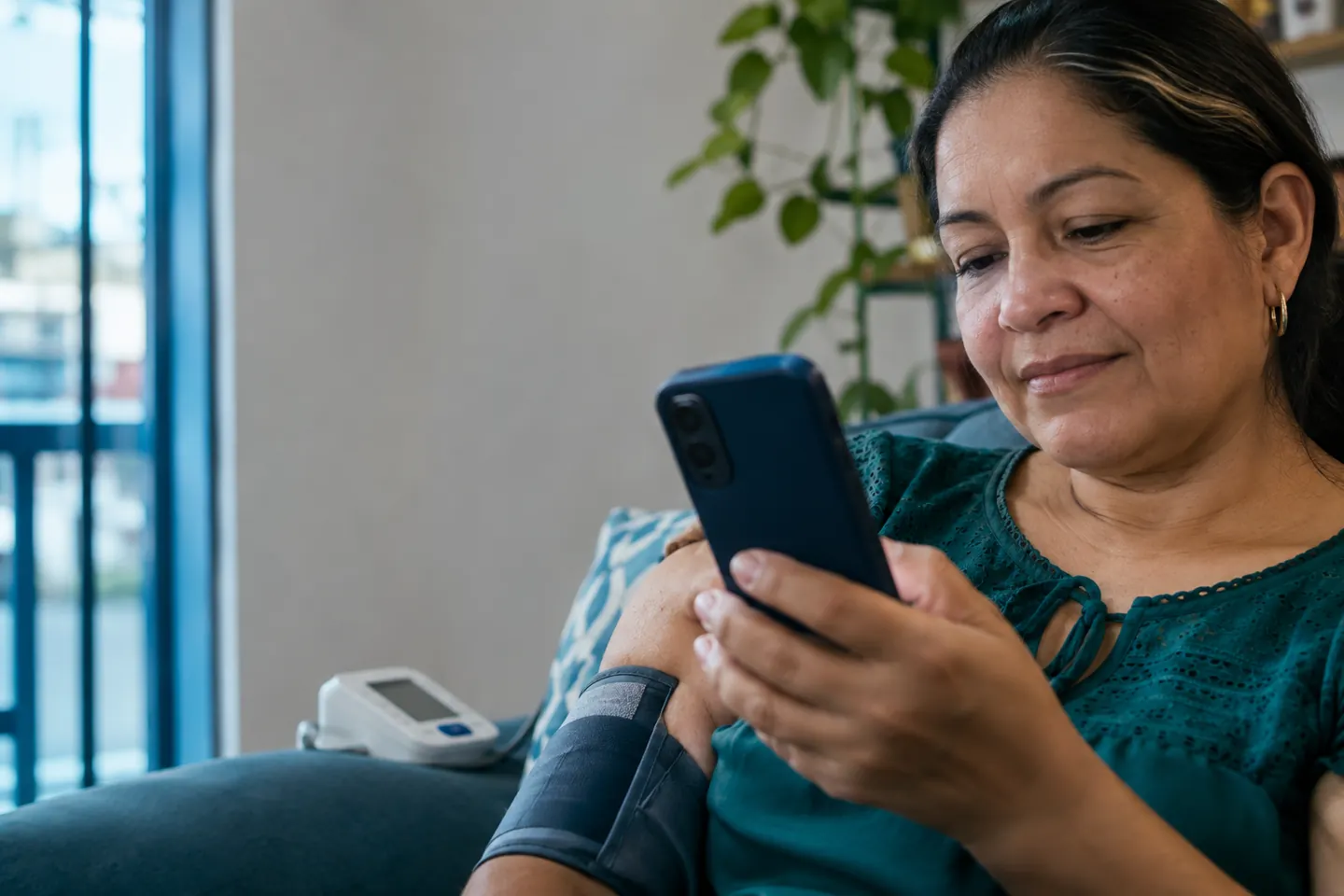
Review your instructions and log doses between appointments.
See doses, schedules and upcoming doses, receive reminders and record whether you took or skipped them.
Find prescriptions sent by your practice and open or download them as PDF.
Scan a QR code or enter a code to link one or more practices. See the clinical teams caring for you.
View your details and adapt the care-plan display to your reading preferences, with pediatric and senior modes.
Follow the record from the visit to the patient’s instructions and the clinical team’s follow-up.
The physician records clinical findings, defines medication regimens, and generates official PDF recipes in one click.
Send the PDF prescription through the channels you select. The linked app shows the patient’s instructions and schedules reminders from the care plan.
Review care-plan adherence and validate suggestions from Ana before adding them to the medical record.
Compare patient, team and storage limits along with the included messaging, transcription and AI allowances.
Loading plans…
View plans in the portalSee which instructions were sent, which doses the patient logged, and which suggestions are awaiting review.
Explore patient recordsSample patient record
Clinical activity
Digital prescription
IssuedPDF with dosing, instructions and clinician details.
Care plan
Dose loggedThe patient confirmed a dose from the Ana mobile app.
Suggestion from Ana
Awaiting reviewThe team reviews the suggestion before adding it to the patient record.
Answers about access, prescriptions and care-plan follow-up.
The clinician issues the prescription in the portal and selects the delivery channels. The linked app shows prescriptions and active care-plan instructions.
Never. TovarMed's architecture enforces a Mandatory Human Gate: all proposals prepared by Ana remain PENDING until an authorized physician explicitly reviews, edits, and approves them.
The clinical team generates a temporary link or code from the patient’s record. The patient scans the QR code or enters the code in Ana mobile.
The clinician mobile app supports selected local records and syncs them when connectivity returns. The web portal and AI services require a connection.
Patients receive reminders according to their schedule, log doses in the app, and the clinical team reviews the synced records.
The Plans and pricing section on this page shows the current catalog. The portal opens Plans after you sign in.